Properly setting up a Verified role
To make sure that users can properly verify, you need to set up a role to be given to users upon successful verification.
The role should meet the following guidelines:
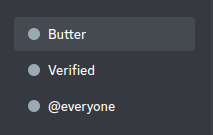
1. The role cannot be above the bot's role
Because of how Discord's role hierarchy/permissions work, if the role is above the bot's role, it is unable to assign users to it.
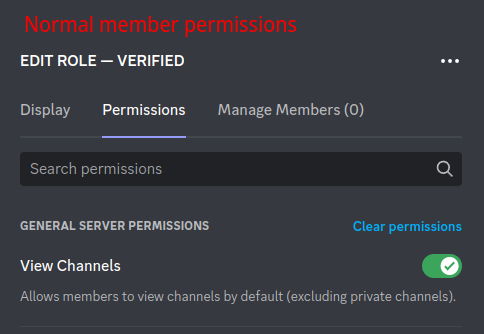
2. The role should be allowed to read channels and send messages
Additionally, the @everyone role should be able to do nothing except view the channel with a verification prompt
Because the default @everyone role, Discord allows users permissions by default. By denying this role (and users no other roles in the community) access to read and write to community channels, it will require new members to go through the verification process and ensure they are not a bot